Owly
Piattaforma educativa inclusiva per scuole primarie con ricerca di libri, griglia di risultati e supporto all'apprendimento interattivo.
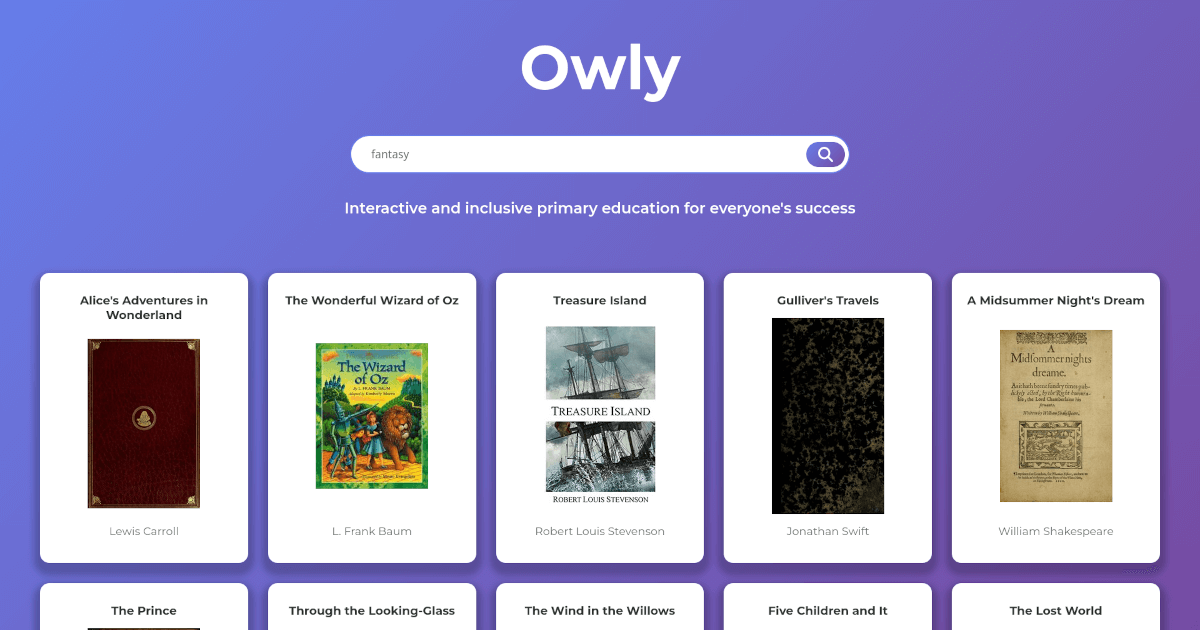
🦉 Owly - Book Search Application
A modern, responsive web application for searching and exploring books by category using the Open Library API.



📋 Table of Contents
- ✨ Features
- 🎯 Demo
- 📸 Screenshots
- 🛠️ Technologies
- 📦 Installation
- 🚀 Usage
- 📁 Project Structure
- 🔐 Environment Variables
- 🏗️ Build
- 📡 API Reference
✨ Features
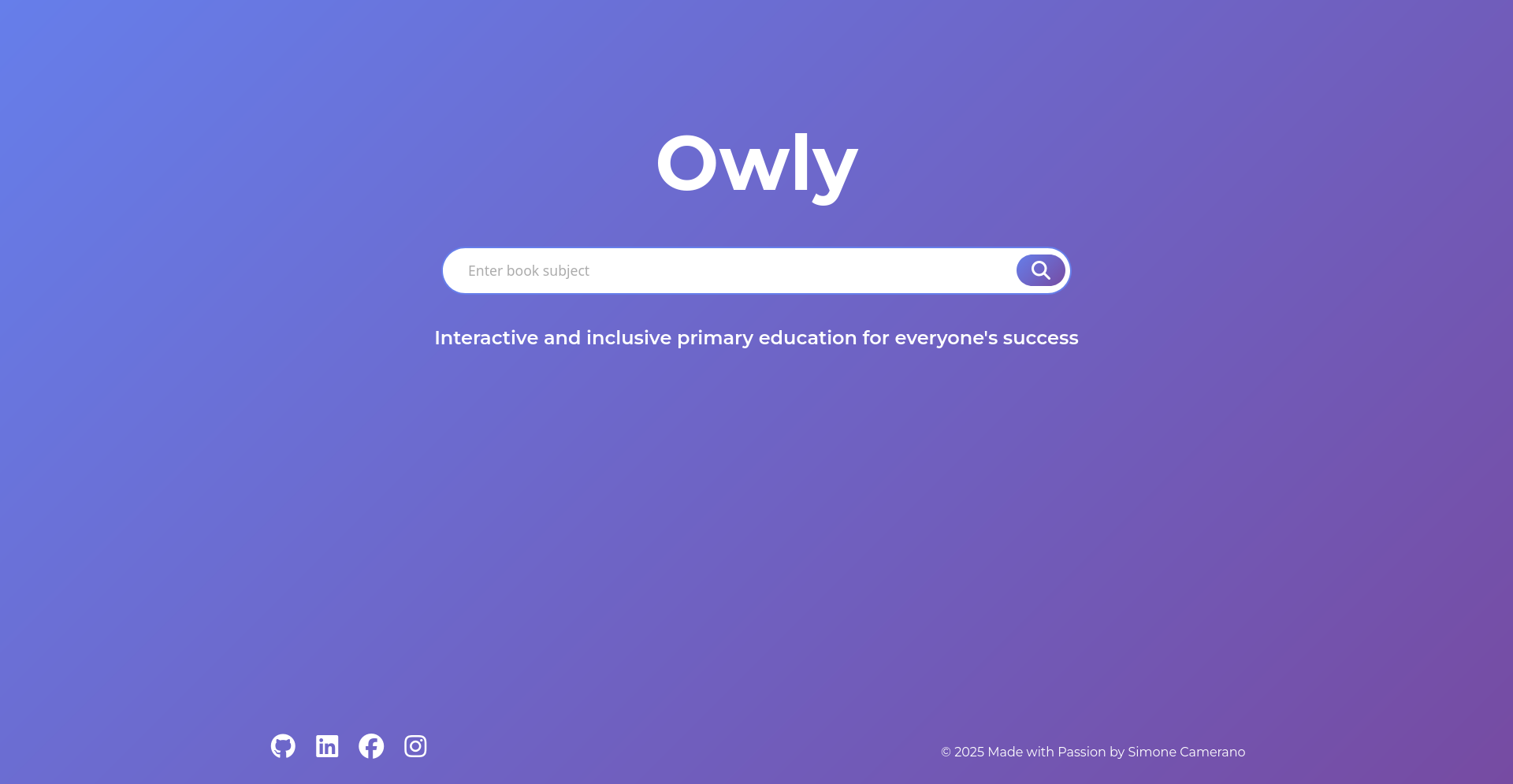
- 🔍 Search by Category: Find books by entering any subject (e.g., fantasy, science fiction, history)
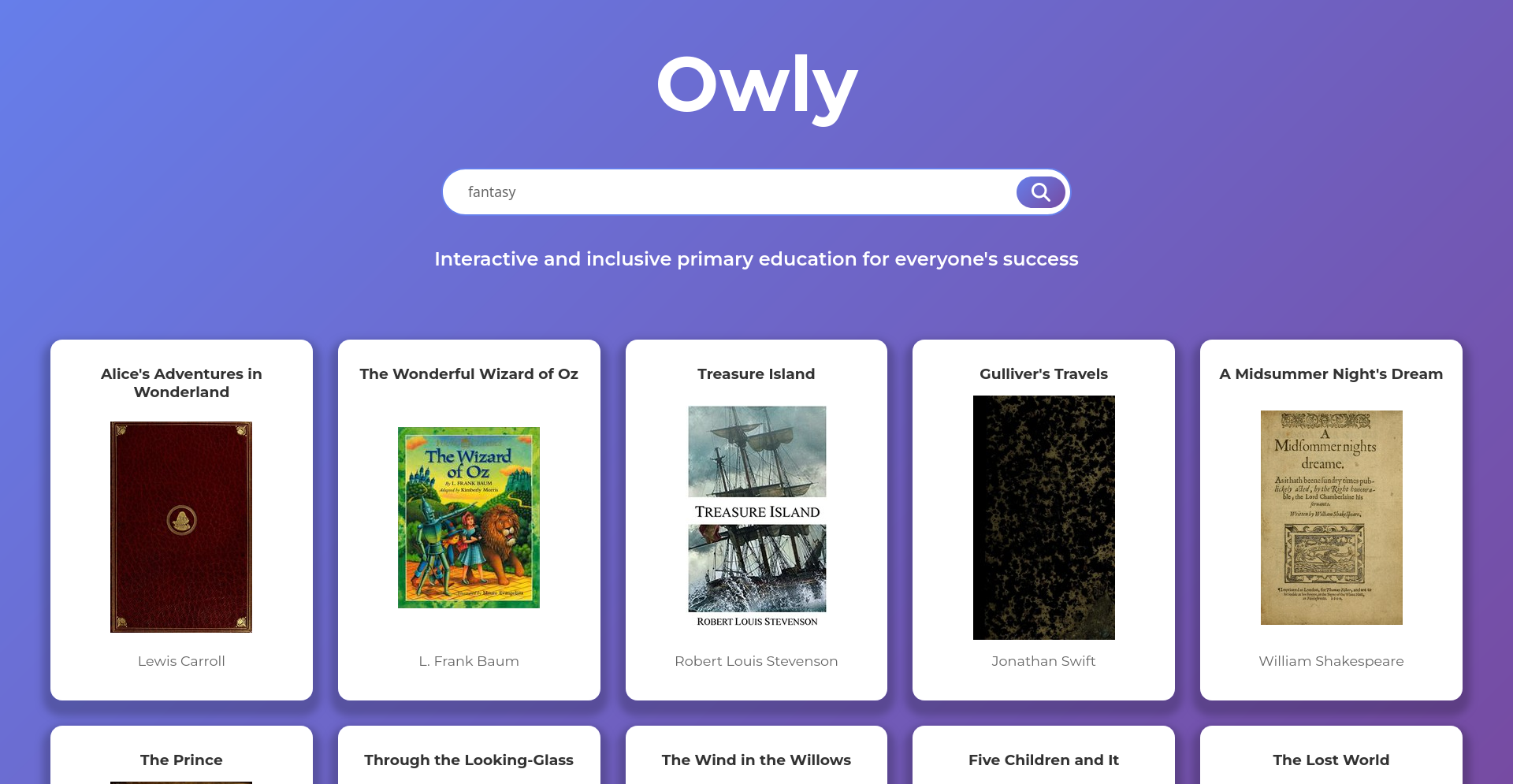
- 📚 Comprehensive Results: Display up to 100 books with titles, authors, and cover images
- 📖 Detailed View: Click on any book card to see its full description, publication year, and additional info
- 🎨 Modern UI: Responsive grid layout with smooth animations and transitions
- 🚀 Fast Loading: Optimized image preloading before displaying results
- ⚡ Error Handling: User-friendly error messages for failed requests or empty results
- 🌐 Multi-word Search: Automatically handles search terms with spaces
- 🖼️ Placeholder Images: Graceful fallback for books without cover images
- ⌨️ Keyboard Support: Press Enter to search
🎯 Demo
📸 Screenshots
🛠️ Technologies
Core
- JavaScript ES6+ - Modern vanilla JavaScript with async/await
- HTML5 - Semantic markup
- CSS3 - Custom styling with animations
Build Tools
- Webpack 5 - Module bundler
- webpack-dev-server - Development server with hot reload
Libraries
- Axios - Promise-based HTTP client for API requests
- Lodash - Utility library for safe data access with
_.get()
Plugins
- html-webpack-plugin - Generates HTML files
- css-loader & style-loader - CSS processing
- dotenv-webpack - Environment variables management
📦 Installation
Prerequisites
- Node.js (v14 or higher)
- npm or yarn
Steps
- Clone the repository
git clone https://github.com/simonecamerano/owly.git
cd owly
- Install dependencies
npm install
- Create environment file
cp .env.example .env
Configure environment variables (see Environment Variables)
Start development server
npm start
The application will open at http://localhost:3000
🚀 Usage
- Enter a book category in the search box (e.g., "fantasy", "science fiction", "romance")
- Click Search or press Enter
- Browse results displayed as cards with title, author, and cover image
- Click on any card to view detailed information including the book's description
Example Searches
fantasy- Fantasy booksscience fiction- Sci-fi literatureprogramming- Programming and technology bookshistory- Historical worksbiography- Biographical books
📁 Project Structure
owly/
├── dist/                   # Production build output
├── node_modules/           # Dependencies
├── src/                    # Source files
│   ├── css/               # CSS folder
│   │   └── style.css      # Application styles
│   ├── js/                # JavaScript folder
│   │   ├── index.js       # Entry point
│   │   └── fetch.js       # API logic and book display
│   └── index.html         # HTML template
├── .env                    # Environment variables (not in git)
├── .env.example           # Environment variables template
├── .gitignore             # Git ignore rules
├── package.json           # Project dependencies and scripts
├── webpack.config.js      # Webpack configuration
└── README.md              # This file
🔐 Environment Variables
Create a .env file in the root directory with the following variables:
# Open Library API Base URL
API_BASE_URL=https://openlibrary.org

# Request timeout in milliseconds
API_TIMEOUT=5000

# Maximum number of results to fetch
MAX_RESULTS=100
Configuration Options
| Variable | Description | Default |
|---|---|---|
API_BASE_URL |
Base URL for Open Library API | https://openlibrary.org |
API_TIMEOUT |
Request timeout in ms | 5000 |
MAX_RESULTS |
Maximum books to display | 100 |
🏗️ Build
Development Mode
npm start
Starts webpack-dev-server with hot reloading at http://localhost:3000
Production Build
npm run build
Creates optimized bundle in dist/ folder with:
- Minified JavaScript
- Optimized CSS
- Compressed assets
Watch Mode
npm run watch
Automatically rebuilds on file changes
📡 API Reference
This application uses the Open Library API:
Endpoints Used
- Search by Subject
GET https://openlibrary.org/subjects/{subject}.json?limit={n}&offset={n}
Returns a list of books for a specific subject/category.
- Get Book Details
GET https://openlibrary.org/works/{key}.json
Returns detailed information about a specific book including description.
Example Response Structure
Subject Search Response:
{
  "key": "/subjects/fantasy",
  "name": "fantasy",
  "work_count": 12345,
  "works": [
    {
      "key": "/works/OL8193508W",
      "title": "Alice's Adventures in Wonderland",
      "authors": [{"name": "Lewis Carroll"}],
      "cover_id": 12345,
      "first_publish_year": 1865
    }
  ]
}
Book Details Response:
{
  "title": "Alice's Adventures in Wonderland",
  "description": "One of the most popular books...",
  "first_publish_date": "1865",
  "authors": [...]
}
🎨 Features Implementation
Image Preloading
All book cover images are preloaded before displaying cards to prevent layout shifts:
const cardPromises = data.works.map((work) => {
  return new Promise((resolve) => {
    imgElement.onload = () => resolve(card);
  });
});
await Promise.all(cardPromises);
Safe Data Access with Lodash
Using _.get() prevents errors when accessing nested properties:
const authorName = _.get(work, 'authors[0].name', 'Unknown author');
const description = _.get(bookDetails, 'description.value') ||
                   _.get(bookDetails, 'description') ||
                   'Description not available';
Modal Description View
Clicking a book card opens a modal with:
- Full book description
- Publication year
- Complete author list
- Large cover image
🤝 Contributing
Contributions are welcome! Please feel free to submit a Pull Request.
📄 License
This project is licensed under the MIT License.
👤 Author
Simone Camerano
- GitHub: @simonecamerano
- Project: Owly
🙏 Acknowledgments
- Open Library - For providing the free book API
- Webpack - Module bundler
- Axios - HTTP client
- Lodash - Utility library
Made with ❤️ and JavaScript